Image Editor
Crop & Resize Your Image
Perfect business images. No photoshoot required.
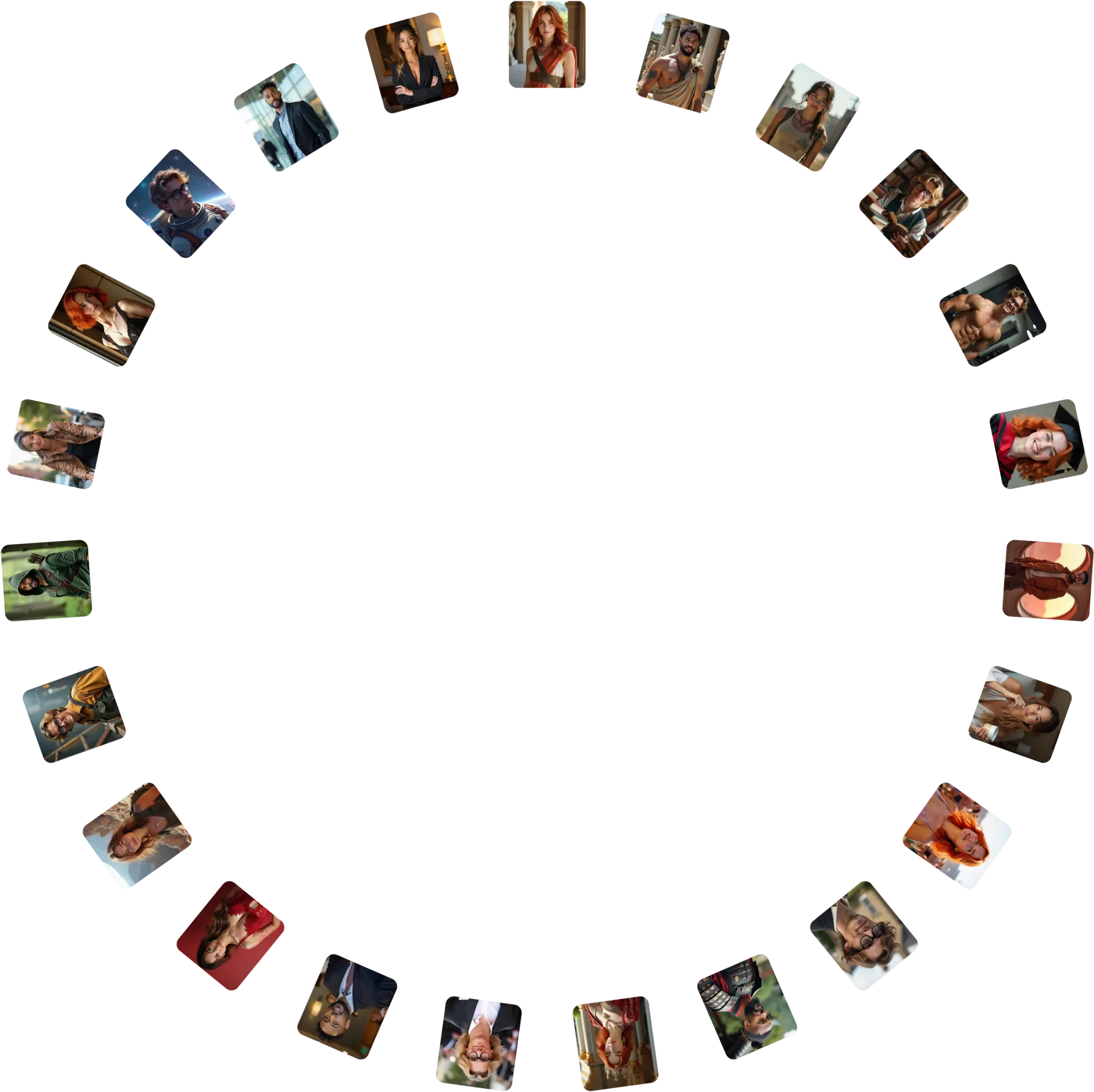
Get 100+ professional, studio-quality images in 10 minutes with Photographe.ai, the #1 professional image generator. No camera, no hassle. Just upload a selfie and get perfect results for LinkedIn, resumes, and more.
Studio-grade quality, without a studio
250,000+ images delivered
Designed for LinkedIn, resumes and professional profiles
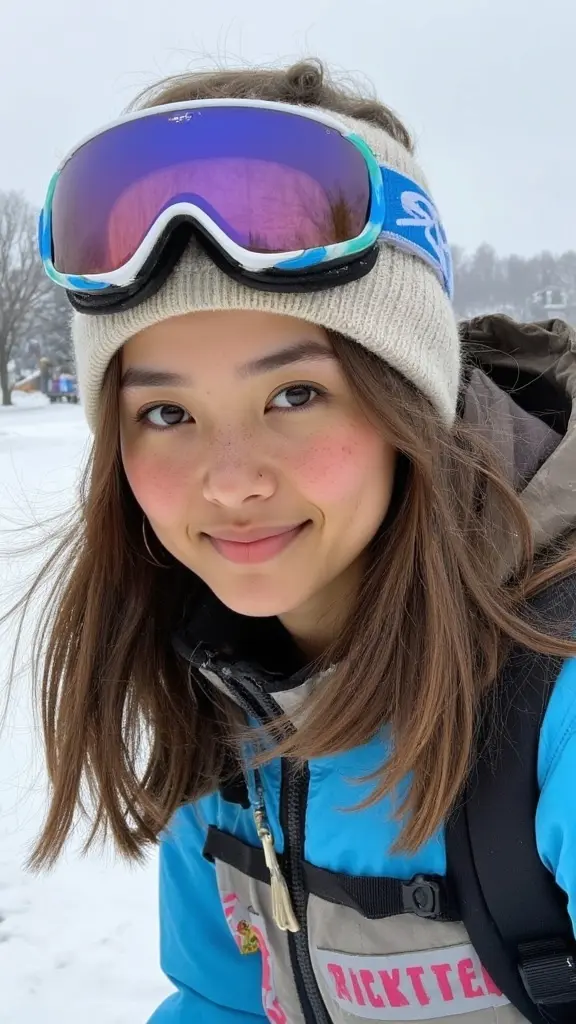
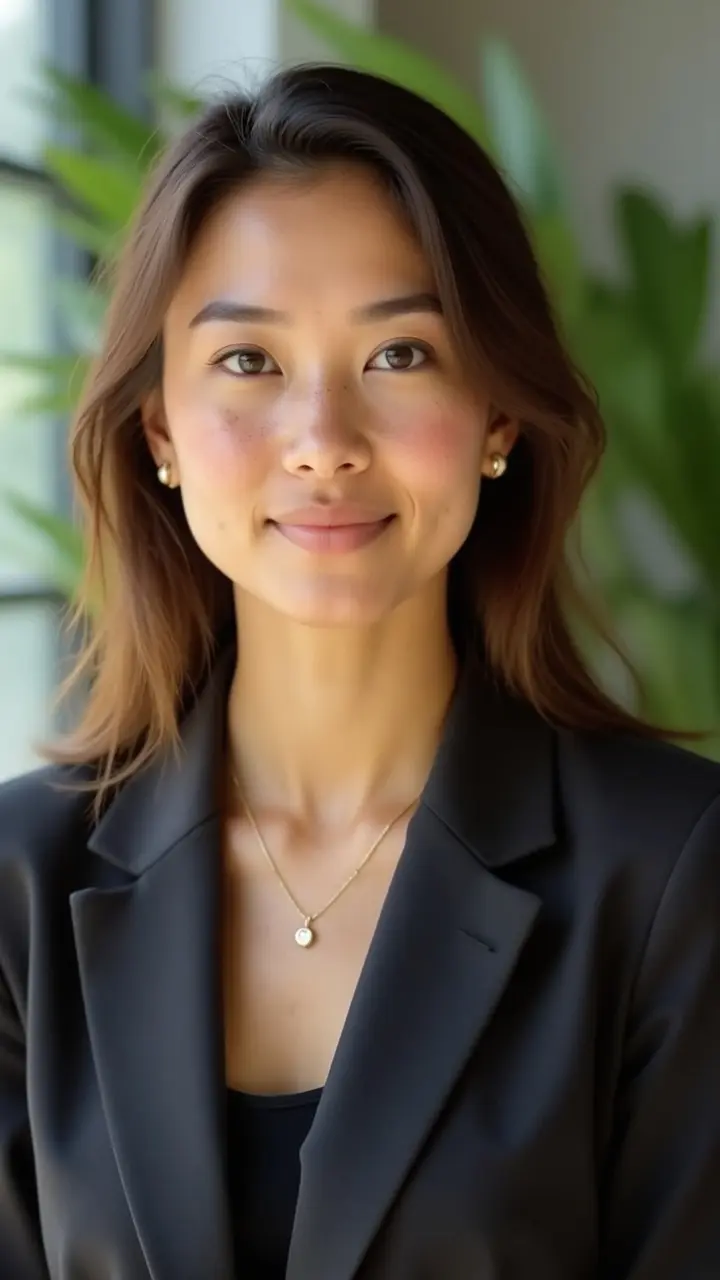
$19 + 5mins
500+ high quality images
A photorealistic model of yourself
100+ ready to use settings
Images generated in 5 minutes
Fitting room, custom haircuts, and more
FAQ
Image Crop Tool - Frequently Asked Questions
What image formats are supported?
Our crop tool supports all common image formats including JPG, JPEG, PNG, WebP, and GIF. The maximum file size is 10MB to ensure fast processing and optimal performance.
How do I reposition my image?
Simply click and drag the image to move it within the crop area. Use the zoom slider to scale the image larger or smaller. The preset buttons instantly apply popular aspect ratios like square (1:1), widescreen (16:9), or portrait (9:16).
What are the preset crop sizes?
We offer 7 popular presets: Original (no crop), Square (1:1 - 800x800px), Landscape 4:3 (1024x768px), Widescreen 16:9 (1920x1080px), Portrait 3:4 (768x1024px), Story 9:16 (1080x1920px), and Cover 16:9 (1200x675px). Perfect for social media, websites, and profiles.
What format is the downloaded image?
Cropped images are downloaded as high-quality PNG files with transparency support. PNG format ensures no quality loss and works perfectly for web use, social media, and printing.
Is my image data safe and private?
Absolutely! All image processing happens entirely in your browser. Your images are never uploaded to our servers - they stay on your device. We don't store, save, or have access to any images you crop.
Do I need to create an account?
No! Our image crop tool is completely free to use with no registration, sign-up, or account required. Just upload, crop, and download - it's that simple.
Can I crop images on mobile devices?
Yes! Our crop tool is fully responsive and works great on smartphones and tablets. Touch and drag to reposition, pinch to zoom - all mobile gestures are supported for easy editing on any device.
What if I make a mistake?
No worries! Use the 'Reset Position' button to return to the default centered position and zoom level. You can also upload a different image at any time using the 'Change Image' button.
Get your professional images today
No costly photoshoots, no waiting weeks for edits. With Photographe.ai, you get high-quality images instantly, ready to elevate your online presence and open new career opportunities.