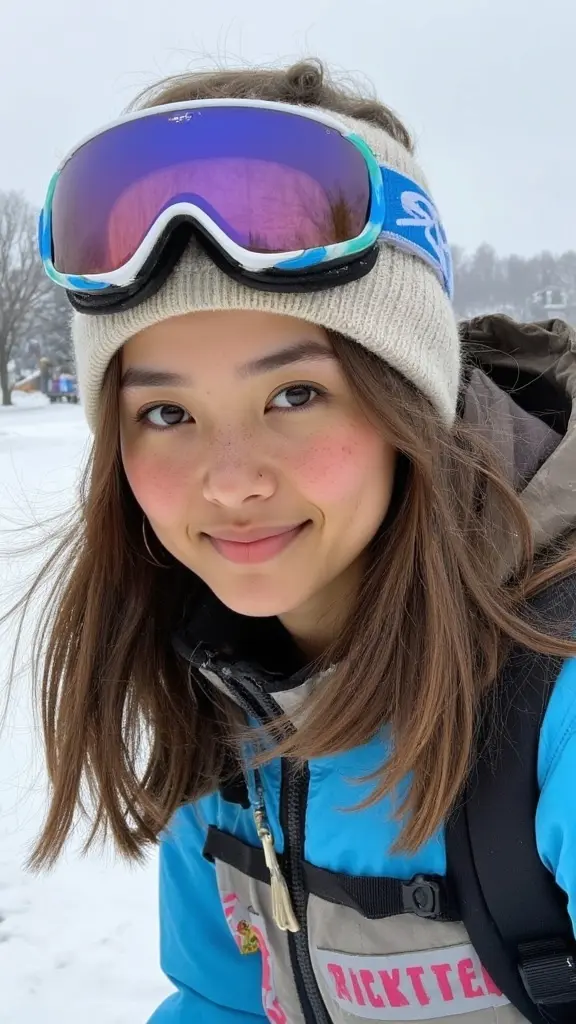
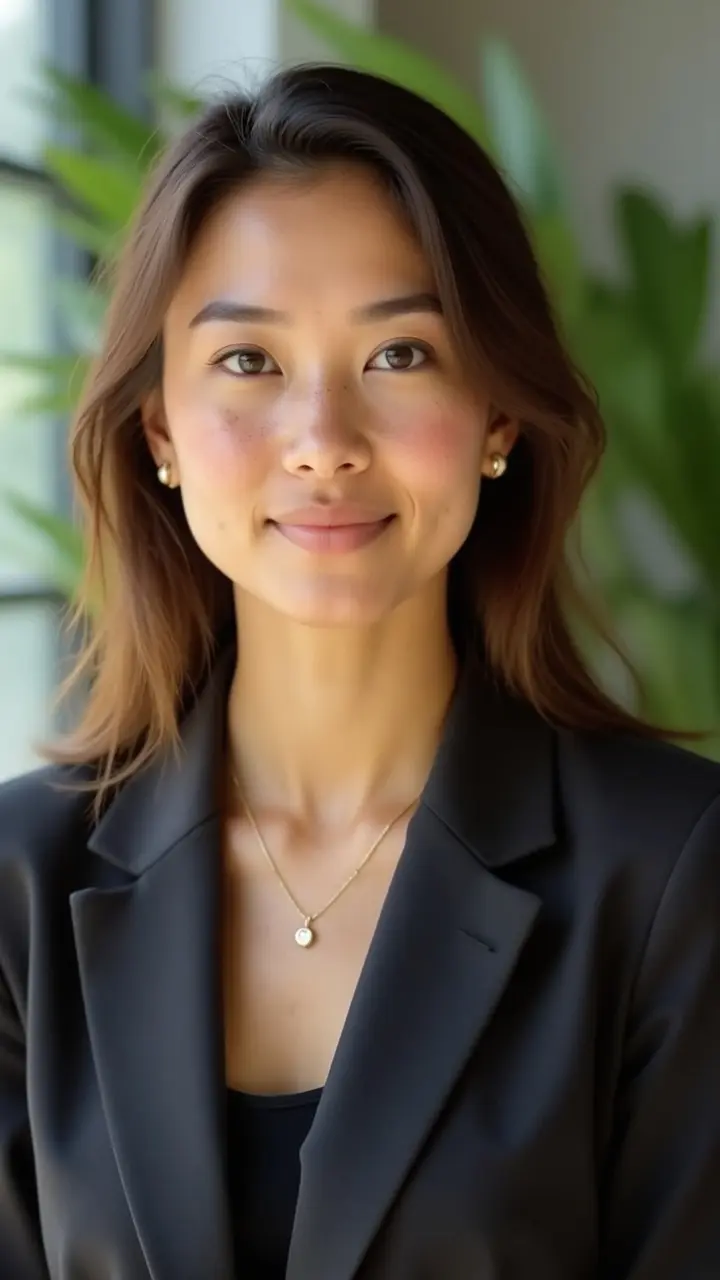
Getting consistent team headshots when your team is spread across three time zones and four continents is a logistics problem disguised as a photo problem. Traditional photographers solve it with a studio day: everyone shows up, gets photographed, done. Remote teams have no equivalent, and the workarounds (mailing everyone a ring light, flying a photographer to each location, asking people to submit their own photos) all introduce the inconsistency you were trying to avoid.
AI headshot generators have changed the calculus. This guide covers how remote companies actually run a successful team headshot project, what makes the results look consistent, and where the process still requires human judgment.
Why remote team headshots are harder than they look
The surface problem is logistics. The real problem is variance. When 12 people take photos in 12 different homes with 12 different cameras, lighting conditions, backgrounds, and ideas of what "professional" means, the company website ends up looking like a stock photo aggregator rather than a real team.
Hiring a photographer to travel to each person solves variance but costs $300 to $800 per person by the time you account for travel, and leaves you starting over every time someone new joins. Asking each team member to visit a local studio independently produces better-than-selfie results but rarely looks cohesive, different studios, different lighting setups, different editing styles.
AI generators handle variance differently: the style is applied computationally, so the output looks consistent regardless of what the input photos looked like. The same style pack applied to 15 people in 15 cities produces 15 portraits that look like they were taken in the same session.
Step-by-step: running a remote team headshot project
Step 1: define the visual standard before collecting anything
Before you send a single Slack message asking people to upload photos, decide what the output should look like. Specifically: background color or setting, clothing formality, expression register (relaxed and approachable vs. polished and executive), and whether you want variation across individuals or strict uniformity.
Strict uniformity (same background, same framing) works well for directories, team pages on websites, and HR profiles. Variation within a consistent style, same lighting treatment, different backgrounds from the same style family, works better for marketing assets where the team page needs personality.
Document this before the project starts. When team members can see an example output, they understand what "professional" means in your context rather than guessing.
Step 2: collect source photos with clear instructions
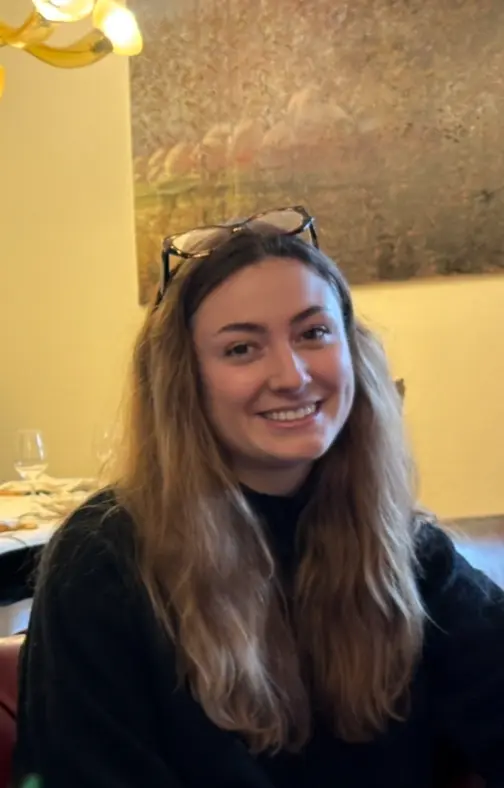
The output quality from any AI headshot generator is bounded by the input quality. Source photos do not need to be professional, but they do need to follow a few rules:
- 3 to 6 photos per person, not just one, the generator trains a lightweight model on your face, and variation across the inputs (different angles, different lighting, different backgrounds) produces better results than six nearly identical shots.
- Recent photos, within the last 12 months is a good guideline. The generator produces a portrait that looks like the person, and that person changes.
- Face clearly visible, no sunglasses, hats obscuring the face, or photos where the face is partially turned away. A mix of front-facing and 30-degree-angle shots is ideal.
- Different contexts, a mix of indoor and outdoor, different lighting conditions, helps the model generalize.
Send these as explicit instructions, not vague requests. "Please upload 4 to 6 recent photos where your face is clearly visible, selfies are fine, mix of lighting conditions preferred" produces better inputs than "send some photos of yourself."
Step 3: choose the style and run the generation
The key decision is which style pack (or custom style) to apply across the team. For most corporate and startup use cases, a professional pack with a neutral or slightly environmental background works best.
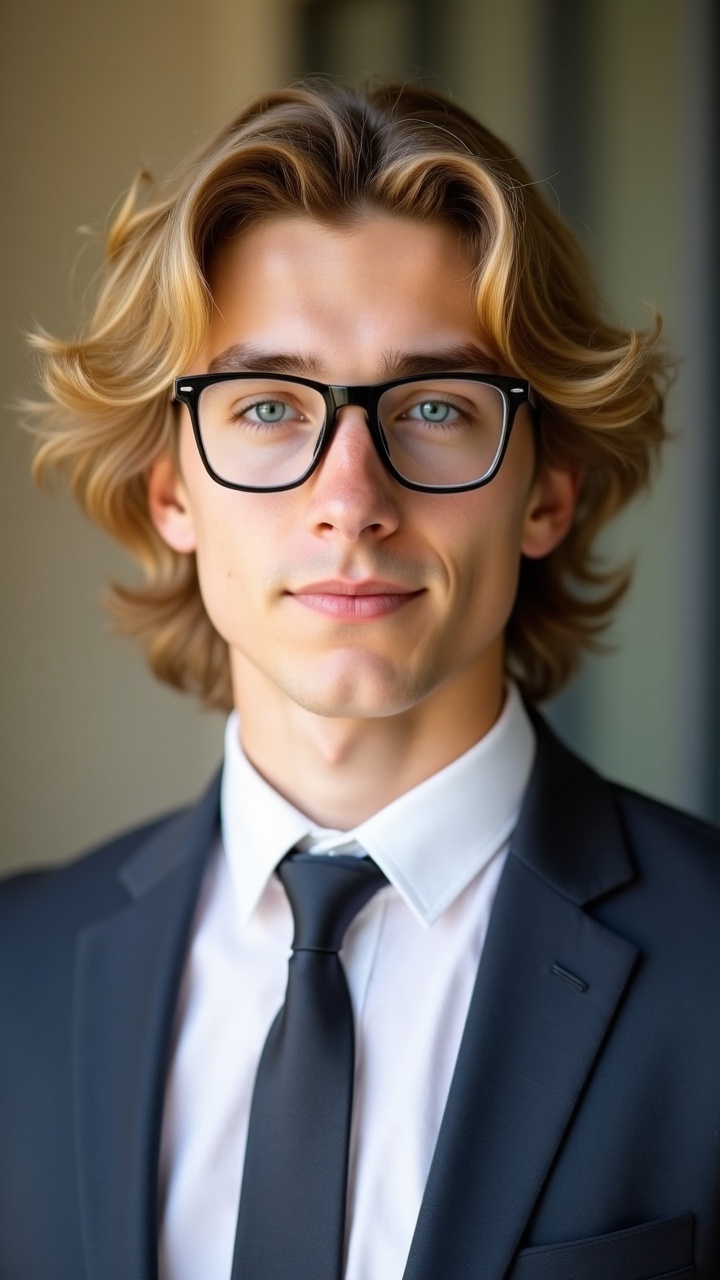
For teams that need variety, a marketing team page, a speaker lineup, or a team directory with different roles, mixing two or three related packs (professional natural, professional in office, professional with laptop) adds visual interest while maintaining visual coherence.
Run all team members through the same style. Do not let individuals choose their own styles unless the goal is explicitly variety, the consistency is the point.
Step 4: quality-check centrally before publishing
Do not ask each team member to approve their own photo in isolation. People almost always pick the photo they personally find most flattering, which is not the same as the photo that looks most professional or most consistent with the rest of the team.
Collect all outputs, lay them side by side at thumbnail size (the size they'll appear on your team page), and review as a set. Check for:
- Framing consistency, heads roughly the same size and position across portraits
- Expression consistency, everyone should read as the same register (approachable, confident, etc.)
- Background uniformity, if you chose a specific background, check it applied consistently
- Any technical artifacts, unusual skin rendering, background bleeding, unnatural edges
Send each person their own photo for a courtesy check, but make the final selection centrally. "Please flag any photo that doesn't look like you, we'll regenerate" is the right framing, not "pick your favorite."
Step 5: keep the model for future hires
One advantage of AI headshot generators that run a per-person training step is that the trained model persists. When a new team member joins, you run the same style on their source photos and get a result that matches the existing team, no scheduling, no inconsistency, no photographer fees.
Build the source photo collection step into your onboarding checklist. By the time someone's first week is over, their headshot should already be in the queue.
Common questions and honest answers
How consistent will the results actually look?
Consistent enough for a team page or company directory, provided you use the same style pack across all team members. Pixel-perfect identical backgrounds and lighting: yes. Identical facial expression and framing: not automatically, that requires the quality-check step above. The results will look like they came from the same session, not like they were taken by the same camera on the same day.
What if team members are in different countries with different appearance norms?
AI headshot generators generally handle diverse inputs well, since the style is applied computationally rather than optically. The main area requiring judgment is clothing style: if you specify formal business attire in the style prompt, the output will reflect that, regardless of what the person was wearing in the input photos. This is an advantage for cross-cultural teams where "business casual" means different things.
Can we match the style of headshots we already have from a studio session?
Approximately, not exactly. If you have 10 existing studio headshots and 5 new team members to add, you can get AI-generated portraits that are close in tone, background, and lighting style, close enough that they read as a coherent team on a website. Exact matching of a specific studio's aesthetic requires feeding the generator a strong style reference, which most tools support through image-based style prompts.
How many input photos do we need per person?
Three is the minimum for most generators to produce reliable results. Six is better. The improvement from six to ten photos is marginal for most people; the improvement from one photo to three is significant. Prioritize variety over quantity, three photos in different lighting conditions outperform six photos taken minutes apart in the same spot.
Where photographe.ai fits
photographe.ai is built for this workflow. Each team member uploads 3 to 6 source photos through a five-step process, and the generator trains a model on their face before applying the chosen style. Credits, 1,000 credits for $14, cover roughly 500 portrait photos, which makes per-person costs low even for larger teams. Credits do not expire, so there is no billing-cycle pressure on timing.
The 100+ style packs include multiple professional variants suitable for team pages: corporate black, professional natural light, professional in office, conference and keynote settings. You can apply the same pack name to each team member and get outputs that match without any post-processing alignment.
For individual professionals reading this before deciding whether to run the project internally or outsource it, our AI headshots vs traditional photography comparison covers the quality and cost tradeoffs in more detail.
References and further reading