AI Photo Editing for Professionals: What It Should Actually Fix
AI photo editing for professionals: what AI actually corrects (light, skin, background), what it should never touch, and how to dose it to stay believable.
ai-photographyediting
AI photo editing for professionals: what AI actually corrects (light, skin, background), what it should never touch, and how to dose it to stay believable.
Get your photography in minutes without leaving home and without hiring a professional photographer. Get 100+ professional quality photos in less than 10 minutes with Photographe.ai.
Studio-grade quality, without a studio
250,000+ headshots delivered
Designed for LinkedIn, resumes and professional profiles
500+ high quality headshots
A photorealistic model of yourself
100+ ready to use settings
Headshots generated in 5 minutes
Fitting room, custom haircuts, and more
AI photo editing for professionals promises a clean, polished result in seconds, but pushed too far it produces the opposite effect: skin that's too smooth, an unnaturally even tone, a face that reads as fake rather than simply well-lit. The difference between the two outcomes has nothing to do with the tool and everything to do with what you ask it to fix, and how far.
This guide covers what AI editing actually changes on a professional photo, what it should never touch, and the method for getting a clean result without tipping into artificial.
AI editing acts on two distinct categories of flaws, and mixing them up is the most common reason a result looks off.
The first category is technical correction: underexposed or overexposed shots, a color cast, insufficient sharpness, a cluttered or badly lit background. These are shooting flaws, not facial flaws, and AI generally handles them well because it works on the image as a whole rather than on individual features.
The second category is light cosmetic correction: softening a temporary blemish, reducing under-eye shadows from a tired day, evening out uneven skin tone caused by bad lighting. Used sparingly, these bring the photo closer to what good studio lighting would already show, not to a different face.
What professional AI editing should never do: alter facial structure (jawline, nose, eye spacing), visibly shift skin tone, or smooth skin to the point of erasing all texture. Those changes stop being edits and become transformations, and they cause a real problem: a profile photo has to represent the person who shows up to an interview or a video call, not an idealized version of them.
AI editing amplifies what's already there, it doesn't substitute for a good original shot. A blurry, badly framed photo, or one taken in very harsh light, gives the algorithm less to work with, and the final result inherits those limits even after editing.
Aim for a head-and-shoulders or chest-up crop, a face that fills a good portion of the frame, and front-facing light rather than backlight or a hard side angle.
Order matters. Correcting exposure, color balance, and the background first often changes how skin reads without touching it at all: softer, more even lighting already reduces the harsh shadows that make imperfections stand out.
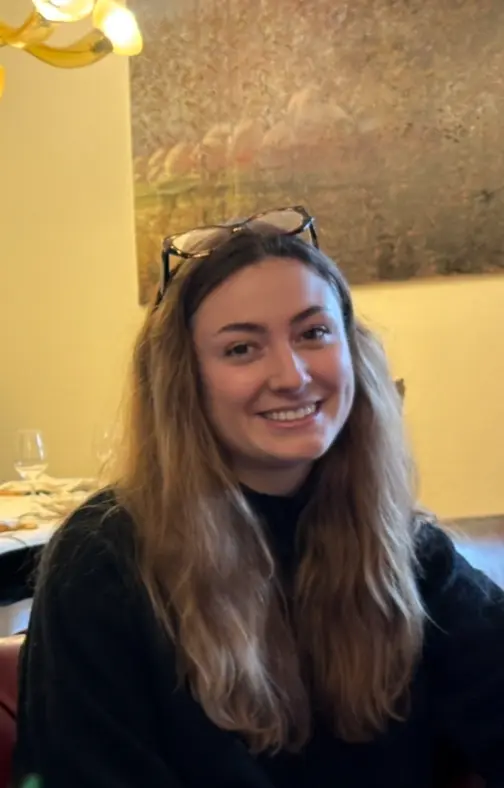
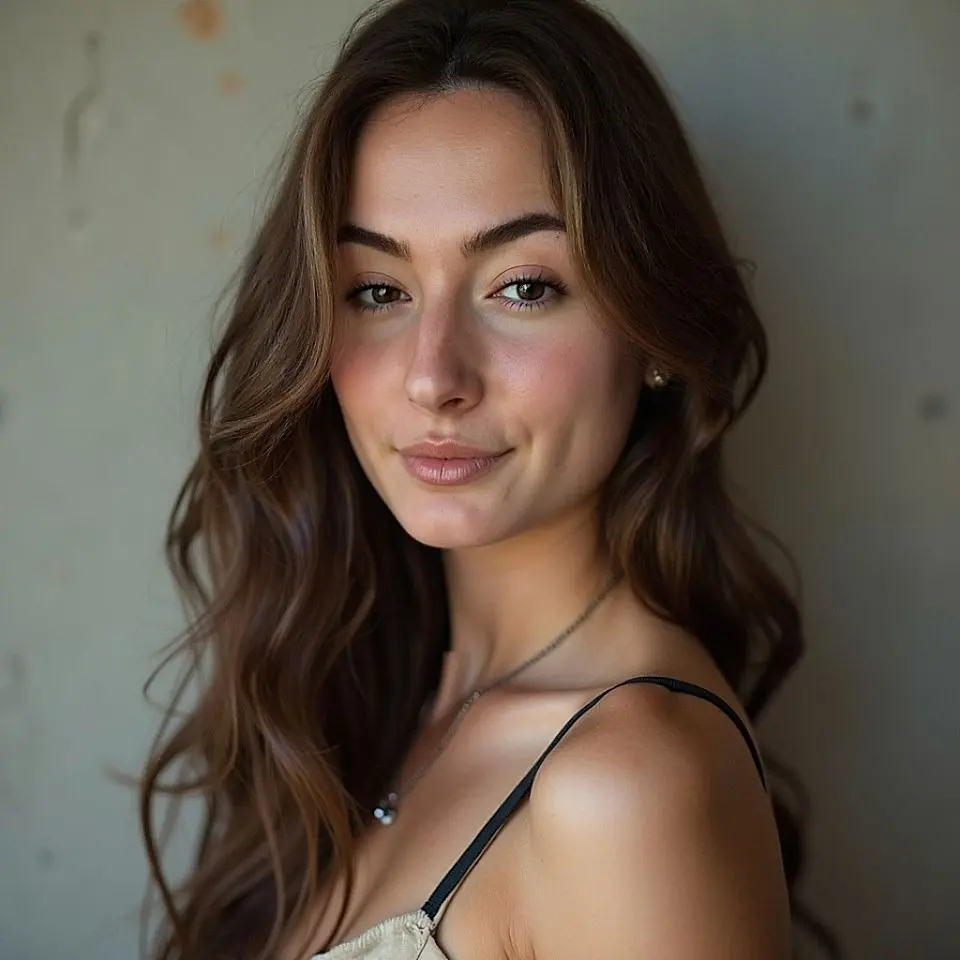
This is where most bad results happen. Overly aggressive smoothing produces skin with a waxy or plastic look, a well-documented flaw of AI image output in general, and it breaks the credibility of a professional photo instantly. Real skin keeps visible pores, a light grain, small irregularities; erasing them entirely doesn't make a photo more professional, it makes it look artificial.
The practical rule: if a result looks "too perfect" at first glance, it probably is. Aiming to reduce temporary imperfections (a blemish, a passing redness, tiredness under the eyes) rather than uniformly smoothing the entire skin surface keeps the result believable.
A good edit doesn't change facial recognition: a colleague who runs into you after seeing the photo should recognize you instantly. That includes distinctive features (a mole, a dimple, eyebrow shape) that shouldn't get erased in the name of "perfection."
It's also a matter of professional trust: meeting someone in person after seeing their profile photo and not recognizing them plants a small doubt about how serious that profile is, even a minor one.
Even a good edit can let artifacts slip through: distorted jewelry, blurred glasses frames at the edges, hair texture that becomes uniformly smooth in patches. A last pass zooming into high-texture areas (hair, jewelry, collars) catches this kind of flaw before you finalize the photo.
There's no universal numeric threshold, but a reliable signal exists: if the editing is noticeable before you even register why the photo looks good, it went too far. A good professional edit should feel like a well-taken photo, not an edited one.
For routine corrections (light, sharpness, temporary blemishes, background), yes, with a comparable result in seconds instead of dozens of minutes of manual work. For very specific requests (editorial retouching for a magazine, precise art direction), a human retoucher still holds finer control than current automated tools.
Both approaches exist and serve different needs. Editing an existing photo keeps the exact original framing and pose while improving light, sharpness, and skin. Generating a new photo from several selfies also lets you change style, outfit, or background, but requires several source photos to train a faithful model, as covered in our guide on how accurate AI headshots are.
Abnormally smooth skin, a perfectly even complexion, or a total absence of micro-imperfections are visual cues many people pick up on intuitively, even without being able to name exactly what's off. The risk isn't getting "caught" using AI, it's coming across as less authentic, which works against the goal of a professional profile photo.
photographe.ai's Face Enhancer is built for this exact dosage: it refines detail, evens out skin texture, and cleans up the result without producing the smoothed, artificial effect that many automated editing tools default to. Realism stays the priority, not apparent perfection.
The 1,000 credits at $14 cover about 250 edits, which leaves enough room to compare a few dosage levels on the same photo before picking the most natural result. Credits never expire, so coming back to adjust an edit later costs nothing beyond the actual usage.
For the broader question of whether AI belongs in your professional photo strategy at all, our guide on are AI headshots worth it in 2026 covers the decision criteria beyond editing alone.
For just $19, create 100+ professional images you can use across LinkedIn, Instagram, TikTok, personal websites, resumes, and more all in minutes, without ever stepping into a studio.
All payments are securely processed by our partner Stripe.