How Accurate Are AI Headshots? Why It Varies and How to Fix It
Why an AI headshot sometimes barely looks like you, the real cause of hand and teeth artifacts, and how to choose better source photos for a more accurate result.
ai-photographyaccuracy
Why an AI headshot sometimes barely looks like you, the real cause of hand and teeth artifacts, and how to choose better source photos for a more accurate result.
Get your photography in minutes without leaving home and without hiring a professional photographer. Get 100+ professional quality photos in less than 10 minutes with Photographe.ai.
Studio-grade quality, without a studio
250,000+ headshots delivered
Designed for LinkedIn, resumes and professional profiles
500+ high quality headshots
A photorealistic model of yourself
100+ ready to use settings
Headshots generated in 5 minutes
Fitting room, custom haircuts, and more
Accuracy is not a fixed property of an AI headshot tool. The same generator can produce a portrait that looks unmistakably like you, or a polished result that only vaguely resembles you, depending entirely on the photos you feed it. Understanding why that gap exists changes how you prepare a generation, and it saves you from the disappointment of a headshot that looks professional but doesn't look like you.
This guide covers the real technical reasons accuracy varies (not just "the AI isn't good enough yet"), plus a concrete method for getting a result that actually looks like you.
An AI headshot generator doesn't photograph your face, it builds a statistical reconstruction from the examples you give it. The more numerous, varied, and sharp those examples are, the closer the reconstruction converges on your actual features. The fewer and more repetitive they are, the more the model fills the gaps with average, plausible features that aren't necessarily yours.
That's why two people using the same tool end up with different fidelity levels. The gap almost never comes from a random quality roll, it comes from the source photos. A face photographed from five angles under three different lighting setups gives the model far more information than the same face photographed five times in the same mirror, at the same distance, under the same light.
Two distinct categories of inaccuracy show up, and they don't get fixed the same way:
photographe.ai asks for 3 to 6 selfies to train a model on your face. Within that range, variety matters more than raw quantity: three photos taken from different angles and under different lighting typically produce a more faithful result than six photos taken back-to-back in the same spot, with the same expression.
Aim for a mix of front-facing and three-quarter angles, one indoor and one outdoor photo if possible, and avoid having every photo from the same day with the same hairstyle and outfit. The model needs to see your face behave differently under different conditions to isolate what's actually you from what's circumstantial (a light reflection, a shadow, an angle that flattens a feature).
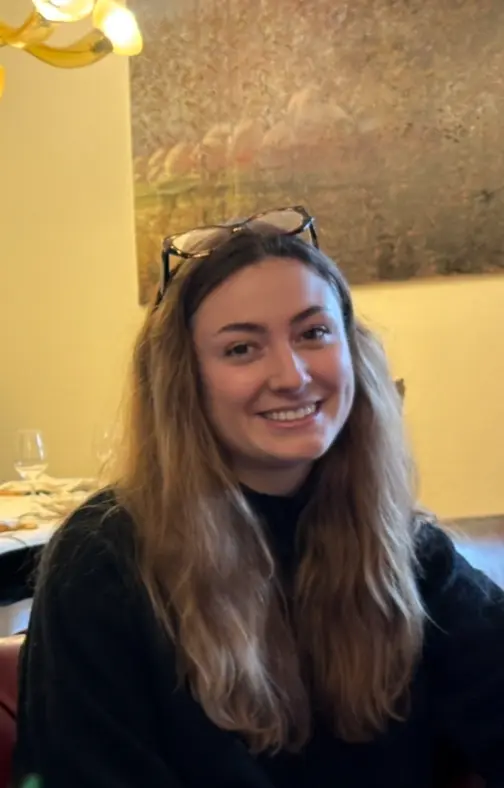
A photo older than two or three years introduces a real gap: haircut, weight, and facial hair change, and the model reconstructs a face that existed, not the one you have today. Favor photos less than twelve months old.
Remove sunglasses, hats, and anything that hides part of your face in most of the photos. If you wear glasses daily, include at least one photo with them and one without, that gives the model the option to generate both versions instead of guessing what's behind the lenses.
A face that's small in the frame, blurred by motion, or shot against strong backlight gives the model less usable information than a sharp photo where your face fills a good portion of the image. An average recent smartphone is more than enough; what matters is sharpness and lighting, not raw sensor resolution.
Front-facing, natural light where possible reduces harsh shadows that can hide details (jawline, nose shape) the model would otherwise have no way to reconstruct accurately.
Some heavily stylized looks (painterly renders, strong artistic filters) deliberately trade fidelity for an aesthetic effect. For a professional use case where likeness matters most (a LinkedIn photo, a company badge), a photorealistic style with a neutral background usually gives the best fidelity, because it lets the model focus on your face rather than a global stylistic reinterpretation.
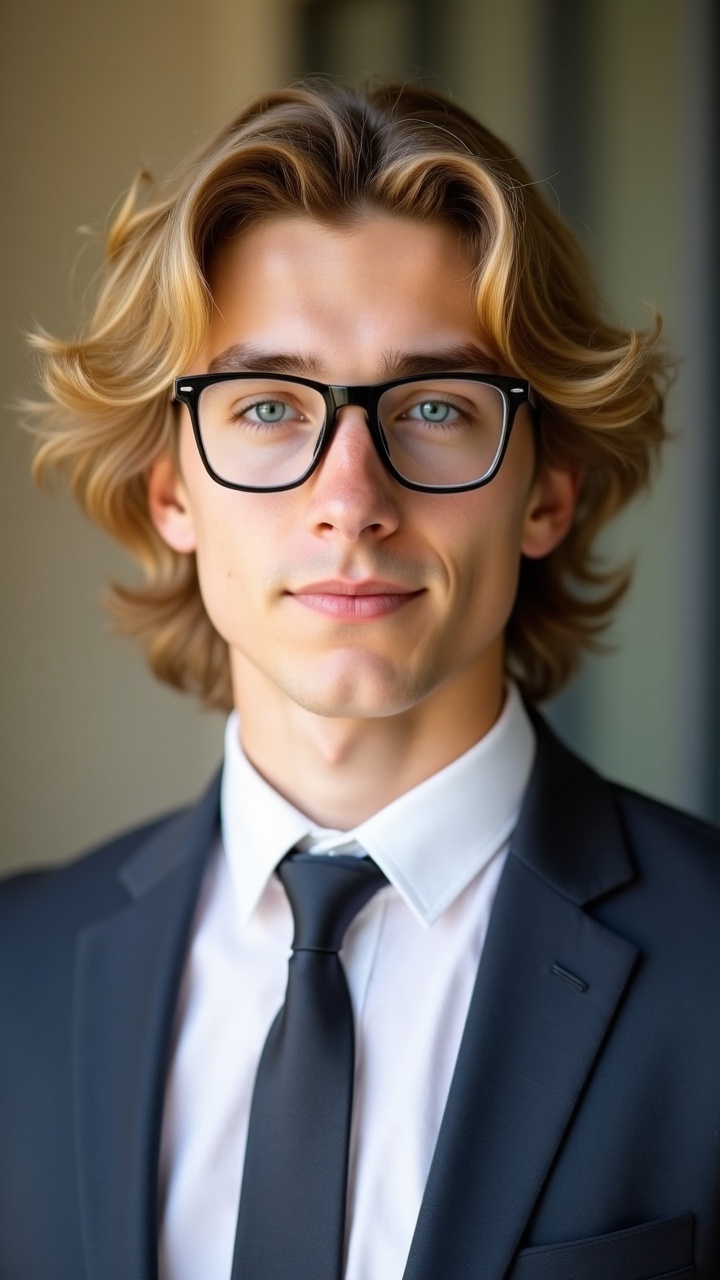
An AI generation produces several variants, not a single result. If the first batch only vaguely resembles you, that's not necessarily a quality ceiling, it often signals that the source photos lacked variety. Before running a whole new generation, first check whether a different variant from the same batch already fixes the gap; if not, add one or two source photos taken under conditions different from the ones you already provided, then regenerate.
Hands have a highly variable structure (finger position, angle, partial occlusion) that rarely appears the same way twice in an image model's training data, unlike a front-facing face, which follows a much more regular pattern. Models know a hand has several thin fingers, but struggle to pin down the exact count and position in every configuration, which sometimes produces six-fingered hands or fused digits. The same mechanism explains misaligned or overabundant teeth. For a classic headshot crop where hands aren't visible, this artifact simply has no chance to appear.
Not past a certain point. The jump from one photo to three varied ones is significant. The jump from six to fifteen becomes marginal, and beyond that, redundant photos (same angle, same light) stop giving the model new information. Variety beats volume: four very different photos beat twelve nearly identical ones.
Yes, that's the opposite defect of inaccuracy: overly smooth skin with no texture, an unnaturally even tone, a "too perfect" look that reads as fake. This risk increases when the source photos are themselves heavily retouched or filtered before upload. Starting from unfiltered selfies, even imperfect ones, gives the model a more realistic base to reconstruct than one already smoothed by a beauty filter. Our guide on AI photo editing for professionals covers how to dose retouching after generation without tipping into that same artificial look.
LinkedIn's rule is about likeness, not production method: your profile photo has to represent your real face. Our related guide on whether AI headshots are worth it covers what recruiters actually notice and how often they can tell. An inaccurate photo isn't against the rules, but it misses the point if a colleague no longer recognizes you from your profile picture on a video call.
The model photographe.ai trains stays tied to your account, which means you can add more source photos and regenerate without starting over. If a first attempt with 3 photos falls short on likeness, adding 2 or 3 shots taken under different conditions (light, angle) before regenerating improves the result without paying for a whole new session.
The 1,000 credits at $14 cover about two full model trainings, which leaves enough room to adjust your source photos and regenerate if the first result lacks accuracy. Credits never expire, so coming back to tune a model weeks later costs nothing beyond the actual usage.
For a broader look at how AI headshots compare to a traditional photographer beyond accuracy alone, see are AI headshots worth it in 2026, which covers cost, turnaround, and cases where a photographer still wins.
For just $19, create 100+ professional images you can use across LinkedIn, Instagram, TikTok, personal websites, resumes, and more all in minutes, without ever stepping into a studio.
All payments are securely processed by our partner Stripe.