Professional LinkedIn Photo: Photographer, DIY, or AI?
How to get a professional LinkedIn photo that meets the platform's specs and builds trust: photographer, DIY, or AI generator, compared step by step.
linkedin-profilelinkedinprofessional-photo
How to get a professional LinkedIn photo that meets the platform's specs and builds trust: photographer, DIY, or AI generator, compared step by step.
Get your photography in minutes without leaving home and without hiring a professional photographer. Get 100+ professional quality photos in less than 10 minutes with Photographe.ai.
Studio-grade quality, without a studio
250,000+ headshots delivered
Designed for LinkedIn, resumes and professional profiles
500+ high quality headshots
A photorealistic model of yourself
100+ ready to use settings
Headshots generated in 5 minutes
Fitting room, custom haircuts, and more
A professional LinkedIn photo changes concrete outcomes on the platform: LinkedIn itself reports that profiles with a photo get up to 21 times more views and 9 times more connection requests than profiles without one. The question is rarely whether you need a photo. It is how to get one that meets the platform's technical constraints and reads as credible the instant someone lands on your profile.
This guide covers LinkedIn's exact technical specifications, a method for choosing between a photographer, a solo DIY shoot, and an AI generator, and the mistakes that hurt a profile's credibility the most.
LinkedIn requires a minimum of 400 x 400 pixels and accepts up to 7680 x 4320 pixels, in JPG or PNG, up to 8 MB. Below 400 x 400, the upload is rejected outright.
The platform automatically crops every photo into a circle. Frame a centered face inside a square, with margin on the sides: the corners of the image are cut at display time, which removes background detail or part of your shoulders if the framing is too tight to begin with.
Dress one notch above your usual office outfit, never below. A clean collar, solid colors (navy, charcoal, off-white), and no thin stripes avoid the moiré effect that shows up on screens.
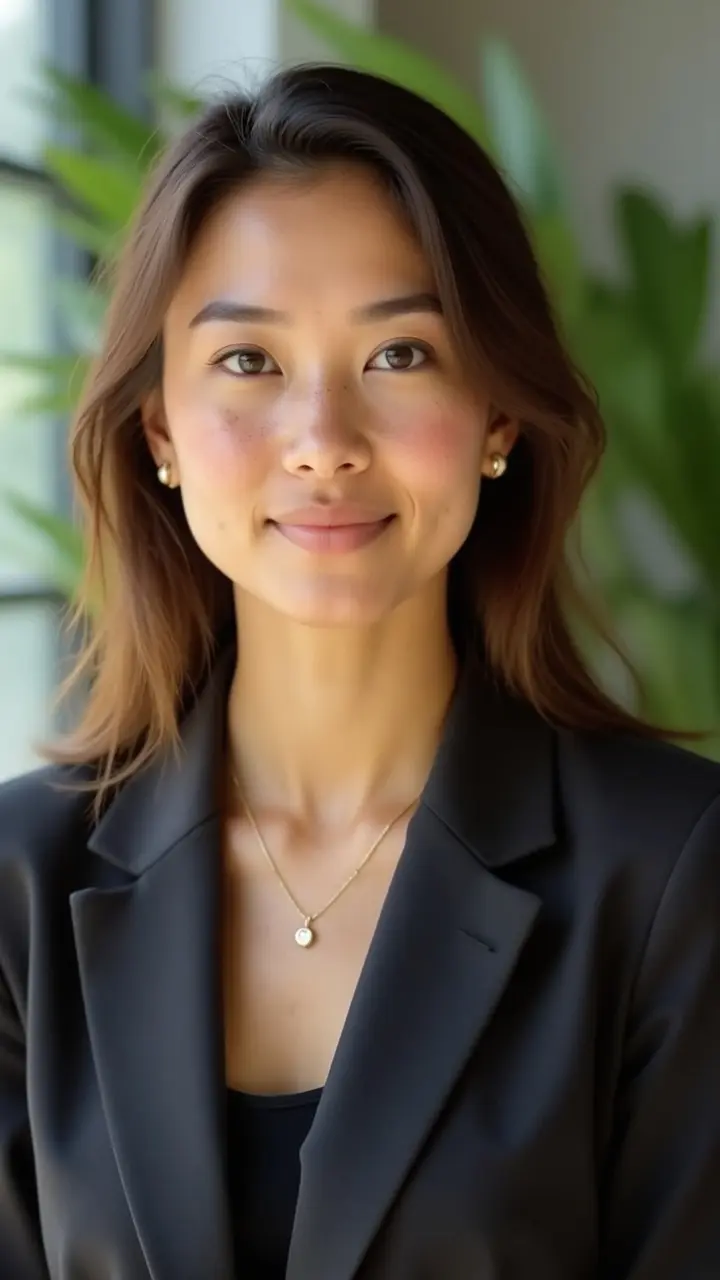
A slight smile with your head tilted a little toward the camera signals approachability without looking stiff. Keep your eyes on the lens: a downward or averted gaze reads as distant, even unintentionally.
A neutral, uncluttered background (a plain wall, a blurred backdrop) keeps attention on your face. Avoid recognizable domestic backgrounds, a kitchen, a couch, visible laundry, that break the professional register immediately.
Light from the front, ideally natural and diffused (a window in front of you, never behind), avoids hard shadows under the eyes and nose. An overcast sky or midday light filtered through a sheer curtain gives an even result without any equipment.
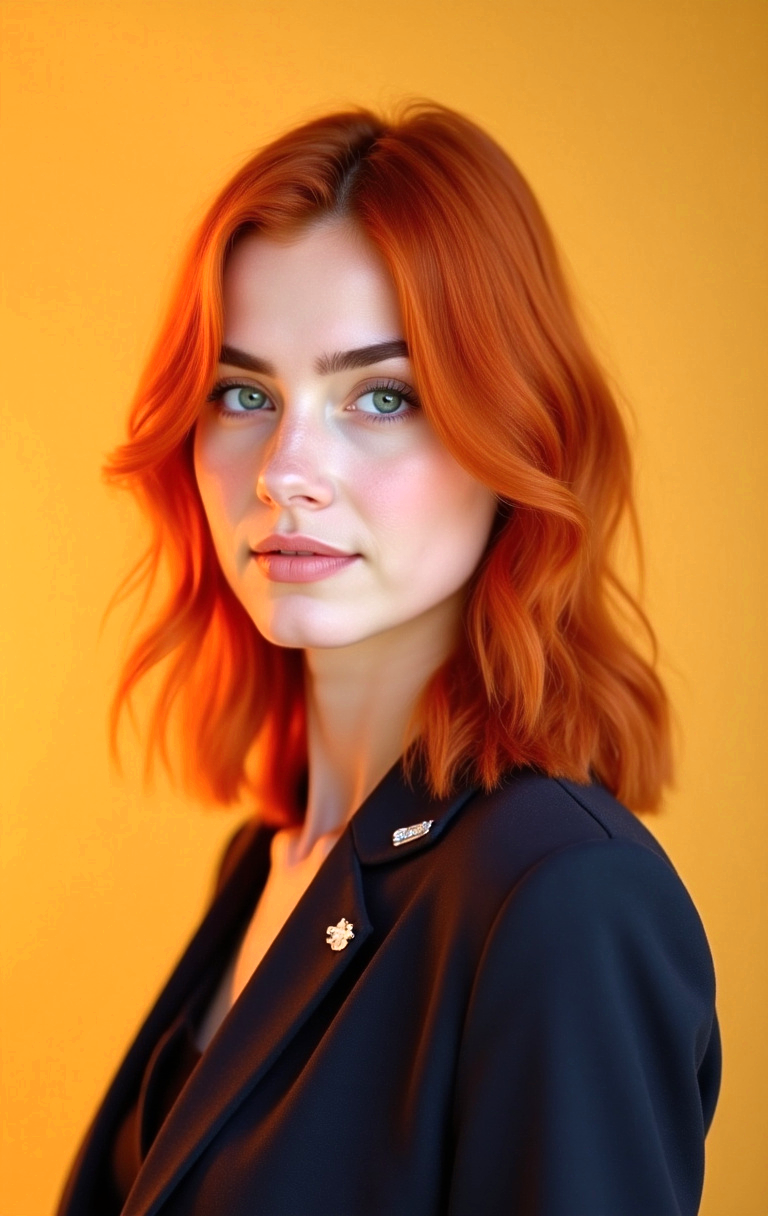
Professional photographer. A standard studio headshot session typically runs $150 to $300 in the US, with the average climbing to $924 in cities like New York. Add retouching fees and scheduling overhead on top. It remains the most reliable option if you pick a photographer with a verifiable portfolio, but it requires blocking time on a calendar and paying upfront.
Solo DIY shoot. With a recent smartphone, a clean background, and the lighting described in step 3, a solid result is possible. Have someone else take the photo rather than shooting a selfie: the angle from an outstretched arm distorts the face, and it shows easily once LinkedIn's tight circular crop is applied.
AI generator. Starting from several existing selfies, an AI tool trains a model of your face and generates portraits in the professional style you choose. The cost is a fraction of a photographer's fee, and the result is ready in minutes, with no travel and no slot to book.
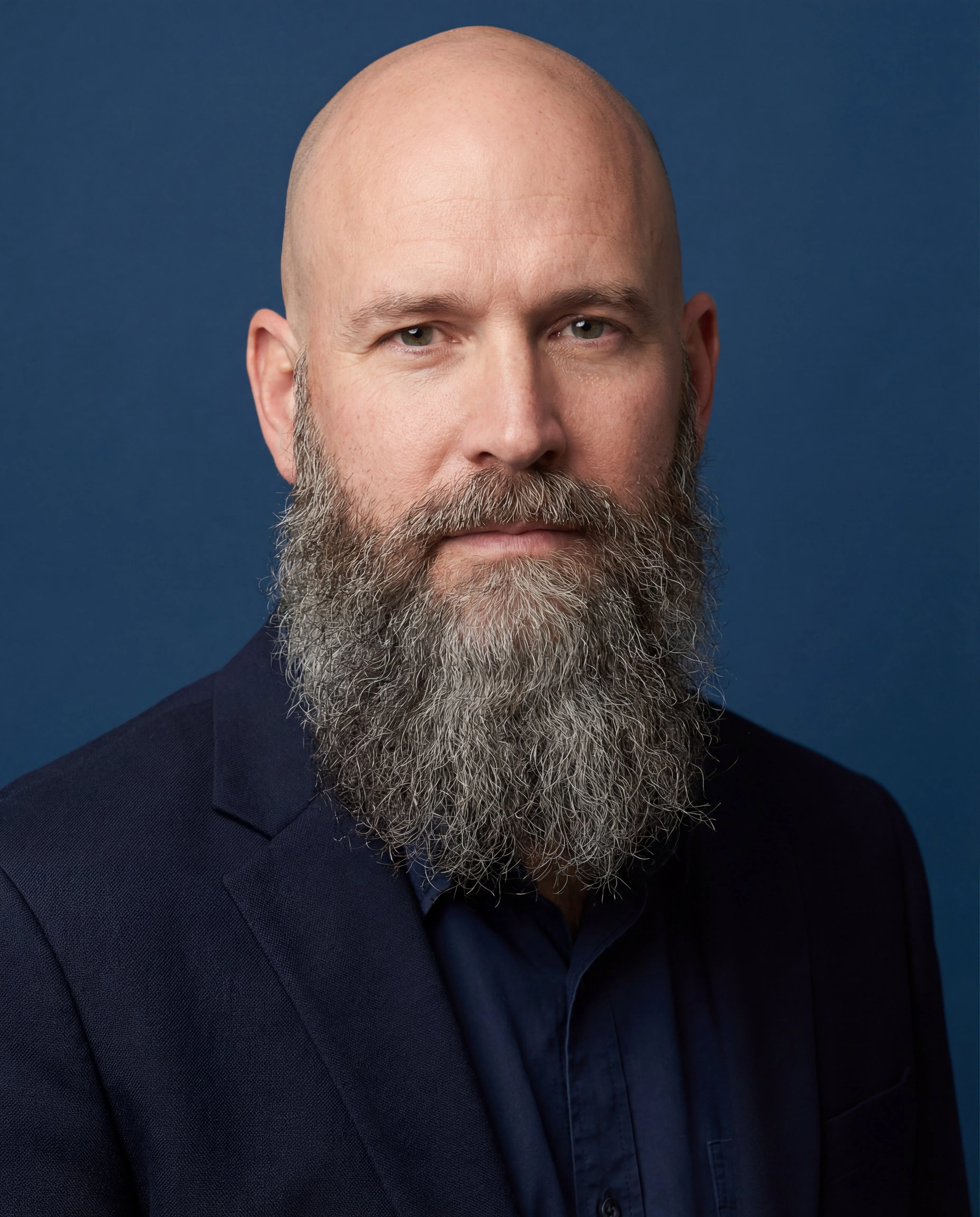
Generate or shoot several versions and let someone you trust pick the winner rather than choosing yourself: people instinctively pick the photo where they feel most flattering, not the one that inspires the most trust in a stranger scanning a profile for three seconds.
Crop to a square with your face filling about 60% of the frame height, shoulders included at the bottom. Export as JPG to stay under the 8 MB limit while keeping a sharp result well above 400 x 400 pixels.
There is no fixed schedule, but the photo should still look like you today. A noticeable haircut change or a gap of several years since the current photo was taken justifies an update, so there is no mismatch on a first video call or an in-person meeting.
Color remains the norm on LinkedIn and conveys more immediate visual information (skin tone, outfit). Black and white can work in creative fields where it signals a stylistic choice, but it offers no measurable advantage in traditional sectors like consulting, finance, law, or engineering.
Yes, as long as it accurately represents your face. LinkedIn does not prohibit AI-generated photos; the rule that matters is that the profile stays connected to a real, recognizable person rather than a fictional avatar.
A plain background remains the safest choice across every industry. A background showing an identifiable professional context (an office, a city skyline, a conference room) can reinforce a specific positioning, as long as it stays sharp and non-distracting, with no visible text or logo.
photographe.ai generates professional portraits from 3 to 6 selfies taken in varied conditions. The five-step workflow lets you choose the rendering style, outfit, and setting; the tool then produces several hundred photos for 1,000 credits ($14), and credits never expire.
The available packs cover LinkedIn-appropriate looks: plain neutral background, office setting, urban environment. Every generated photo stays based on your actual face rather than an idealized or generic one, which keeps it aligned with LinkedIn's resemblance requirement.
For a full breakdown of the cost gap between a photographer and AI, our article on AI vs. traditional photography compares pricing, quality, and turnaround time in detail. If you would rather shoot your own photo first, how to take professional headshots at home walks through lighting, background, and framing step by step. For the broader case on whether AI headshots are worth it at all, see are AI headshots worth it.
For just $19, create 100+ professional images you can use across LinkedIn, Instagram, TikTok, personal websites, resumes, and more all in minutes, without ever stepping into a studio.
All payments are securely processed by our partner Stripe.