LinkedIn Profile Picture Background: What Works
Which LinkedIn profile picture background works? Colors, blur, office or plain wall, and how to fix a bad one with a photographer, DIY or AI.
linkedin-profilelinkedinbackground
Which LinkedIn profile picture background works? Colors, blur, office or plain wall, and how to fix a bad one with a photographer, DIY or AI.
Get your photography in minutes without leaving home and without hiring a professional photographer. Get 100+ professional quality photos in less than 10 minutes with Photographe.ai.
Studio-grade quality, without a studio
250,000+ headshots delivered
Designed for LinkedIn, resumes and professional profiles
500+ high quality headshots
A photorealistic model of yourself
100+ ready to use settings
Headshots generated in 5 minutes
Fitting room, custom haircuts, and more
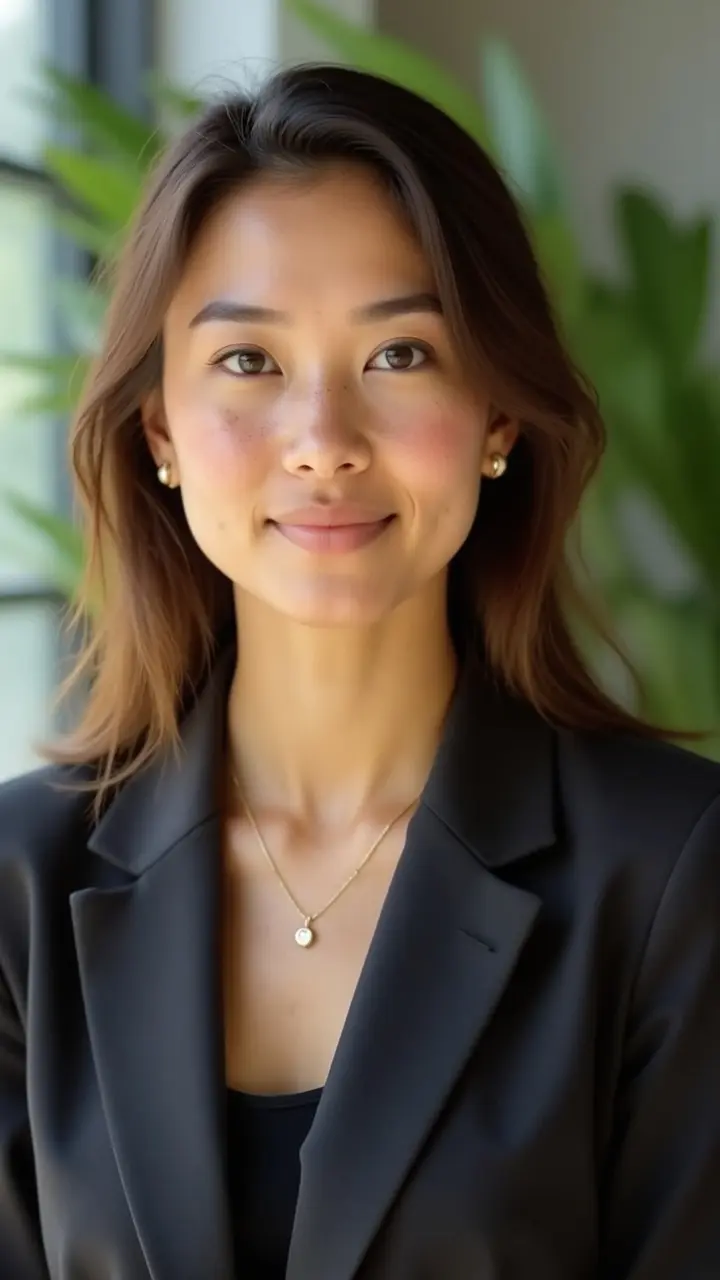
Your LinkedIn profile picture background takes up more of the frame than your face does, and it is the part most people pick by accident. A messy shelf, a window blowing out behind you, or a cropped group photo all say something before a recruiter reads a word of your headline.
This guide shows which backgrounds work, how to choose one for your industry, and how to get it right with a photographer, a phone, or an AI generator.
LinkedIn shows your photo as a small circle, often smaller than a thumbnail. At that size, only large shapes and strong contrast survive. Three rules follow from that.
LinkedIn crops every photo to a circle, so the corners are cut off. Keep any detail you care about away from the edges. Our guide to a professional LinkedIn photo covers the upload specs and framing in full.
Match the background to how your audience dresses and works.
| Background | Best for | Watch out for |
|---|---|---|
| Plain light gray or white | Finance, law, consulting, any formal field | Can look flat if the light is harsh |
| Soft neutral or muted color | Most professionals, safest default | Colors that clash with your clothes |
| Blurred office or workspace | Tech, startups, management | Visible text, logos, or clutter in the blur |
| Blurred outdoor or city | Sales, creative work, consulting | Busy highlights that draw the eye |
| Strong brand color | Founders, designers, personal brands | Reads as informal in conservative fields |
If you are unsure, choose a plain or softly blurred neutral. It is rarely wrong.
Stand at least one to two meters from the wall or backdrop. The distance softens the background and removes the shadow your body casts on it. Standing flat against a wall is the quickest way to get a flat, amateur look.
Face a window so the light falls on your face. Never sit with a window behind you, which turns you into a silhouette. If the background is darker than your face, you stand out. If it is much brighter, your face goes dark.
Pick a jacket or shirt that separates from the background. A mid-tone background works with both dark and light clothing. Avoid wearing the exact color of the wall.
Shrink the photo to about the size of a comment avatar. If you cannot read your expression or the background looks noisy, simplify it before you upload.
White works, but pure white often looks clinical and can cast a cold tone on skin. A very light gray or warm off-white tends to look more natural while keeping the same clean effect.
Yes. A soft blur keeps attention on your face and hides a real room you do not want to show. Heavy artificial blur with visible edges around hair is the giveaway to avoid. Natural depth of field comes from distance and a good lens, which is why bokeh looks better than a phone's software effect.
A recognizable workplace can support your positioning, as long as it stays out of focus, has no visible text or logos, and you have the right to show it. If in doubt, pick a neutral background instead.
Outdoor shots work in open shade or on an overcast day, which give soft, even light. Direct sun creates harsh shadows on the face. Keep the background simple: foliage or a plain wall, not a busy street.
Only if your personal brand is already visible elsewhere, such as your banner and website. In most industries a neutral background ages better than a trend.
You can, with an editing tool, if the cutout around your hair and shoulders is clean. Check at full size for halos and odd edges. If the lighting on you does not match the new background, the result looks pasted in.
Photographer. A studio gives you full control over backdrop and lighting, and you get a consistent result. The cost and the booking time are the trade-off.
DIY. A recent phone, window light, a plain wall, and a friend holding the camera can give a good result. You control the backdrop only as far as your room allows.
AI generator. You upload a few selfies and choose the setting, so the background becomes a style choice rather than a constraint of your room. Results depend on your source photos, and you should always check that the portrait still looks like you.
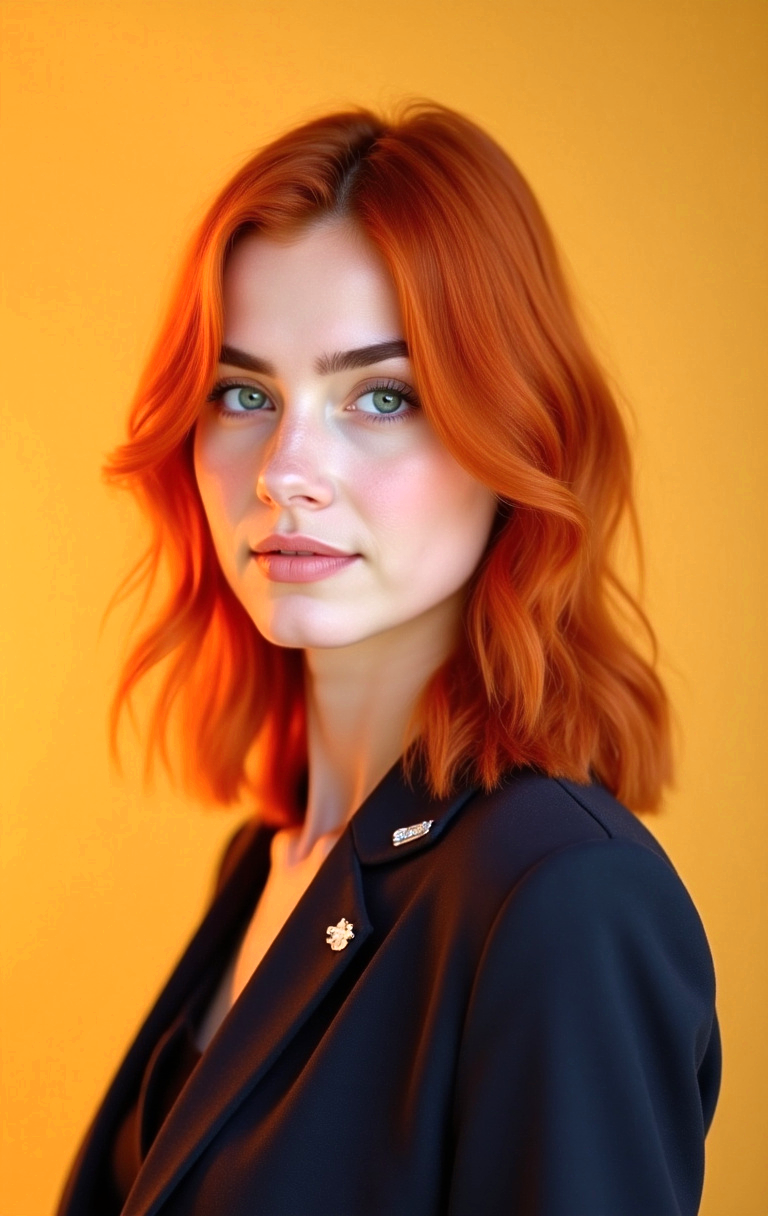
If your problem is the room, not your face, photographe.ai removes that variable. You upload three to six selfies, set gender and approximate age, then pick from 100+ preset styles or describe a look in free text, such as a plain gray studio backdrop or a softly blurred modern office. Clothing is a separate step, so you can check the contrast before you generate.
1,000 credits cost $14 and cover roughly 500 headshots, so you can try several backgrounds and keep the one that reads best at thumbnail size. Credits never expire, and the trained model stays yours for later use, for example a matching photo for your resume or a team page.
It is not the right fit if you need a photo of a specific real location or a physical event. For a clean, professional profile photo, it is a fast way to test backgrounds.
For just $19, create 100+ professional images you can use across LinkedIn, Instagram, TikTok, personal websites, resumes, and more all in minutes, without ever stepping into a studio.
All payments are securely processed by our partner Stripe.