Professional Photo for Resume: Should You Add One?
Should you put a professional photo on your resume? When it helps, when it hurts, and how to get a clean resume photo by photographer, DIY, or AI.
professional-photosresumeprofessional-photo
Should you put a professional photo on your resume? When it helps, when it hurts, and how to get a clean resume photo by photographer, DIY, or AI.
Get your photography in minutes without leaving home and without hiring a professional photographer. Get 100+ professional quality photos in less than 10 minutes with Photographe.ai.
Studio-grade quality, without a studio
250,000+ headshots delivered
Designed for LinkedIn, resumes and professional profiles
500+ high quality headshots
A photorealistic model of yourself
100+ ready to use settings
Headshots generated in 5 minutes
Fitting room, custom haircuts, and more
A professional photo for resume use is one of the few job-search decisions where the right answer depends almost entirely on where you apply. In much of continental Europe, a photo is a normal part of a CV. In the US, the UK, and Canada, it is generally discouraged. Add one in the wrong market and it can work against you.
This article settles the question by country and role first, then covers how to get a resume photo that holds up if you do need one.
Two things decide it: local convention and the type of employer. Convention is the stronger signal. If job ads and sample CVs in your market show a photo, leave a gap and you look incomplete. If they never do, adding one looks out of place.
The legal backdrop explains the split. In markets where employers try to limit discrimination claims, recruiters are often told not to receive photos at all, and some applicant tracking systems strip images. In markets where the photo is customary, it is treated as part of a personal introduction.
Before you decide, check three things: sample CVs from your industry in your country, the job posting itself (some ask for a photo, some say not to send one), and the company's own careers page.
The strongest case for a photo is simple. A resume is a list of facts, and a face anchors those facts to a person. Where photos are expected, a clean portrait signals that you understand the norms of the market and take the application seriously.
It also helps in sectors where you represent the company in person, such as sales, hospitality, or client-facing consulting. There, a recruiter is partly judging presence, and a photo gives them a first data point.
The quality bar matters as much as the decision to include one. A cropped wedding photo or a selfie with a visible arm undoes the benefit. Recruiters read a poor photo as a small signal of carelessness, which is the opposite of what a resume is meant to communicate.
The strongest case against is that a photo adds information the recruiter did not need and you cannot control. Age, appearance, and background can trigger bias, conscious or not. In the US, UK, and Canada, many recruiters and HR teams prefer resumes without photos for this reason, and a photo can get an application set aside before anyone reads it.
There is also a plain format argument. Applicant tracking systems parse text. An image adds no ranking value, can break the layout of a parsed file, and takes space you could use for a strong experience bullet.
If you are unsure, a resume without a photo plus a strong LinkedIn profile is the safe combination. The recruiter who wants to see your face can find it there. Our guide to a professional LinkedIn photo covers that side of it, including the platform's exact upload specs.
If your market expects a photo, treat it like a small production, not a snapshot.
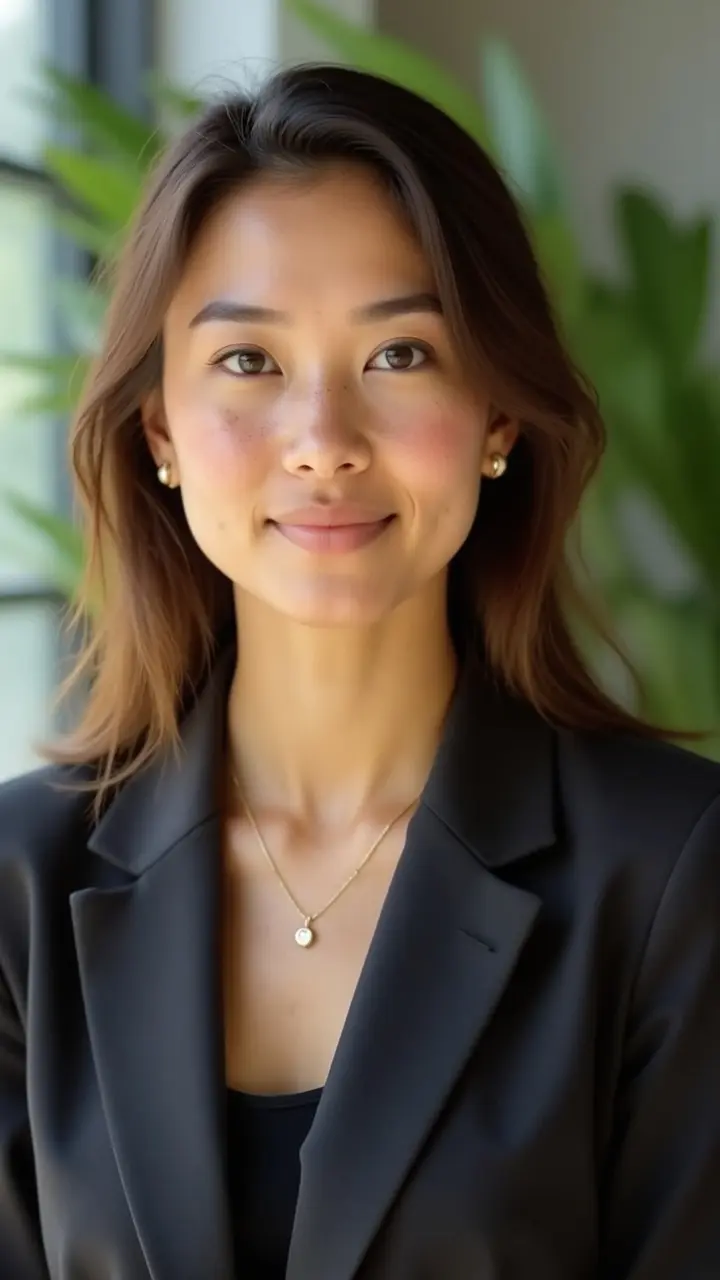
Use a head-and-shoulders portrait with your face filling most of the frame. Keep the background plain (white, light gray, or a soft neutral) and the light in front of you, ideally from a window. Avoid hard midday sun, which creates shadows under the eyes.
Dress one notch above the usual dress code of the role. Solid colors such as navy, charcoal, or off-white work in nearly every industry. Skip thin stripes and small checks, which shimmer on screens.
A light, natural smile with your eyes on the lens reads as approachable. Wear the hairstyle and grooming you will actually have at the interview, because the photo and the person should match.
Photographer. A studio headshot session typically costs $150 to $300 in the US, and averages up to $924 in cities like New York, according to capturely.com. It is the most predictable route, with a fixed appointment and a delay before you get the edited files.
DIY. A recent smartphone, a plain wall, and window light can give a usable result if someone else takes the photo. Selfies distort the face at arm's length and are easy to spot.
AI generator. You upload several selfies, an AI model learns your face, and it generates portraits in the style you choose. It costs a fraction of a studio session and takes minutes. The trade-off is that the result depends on the quality and variety of your input photos, and you should always check that the output looks like you.
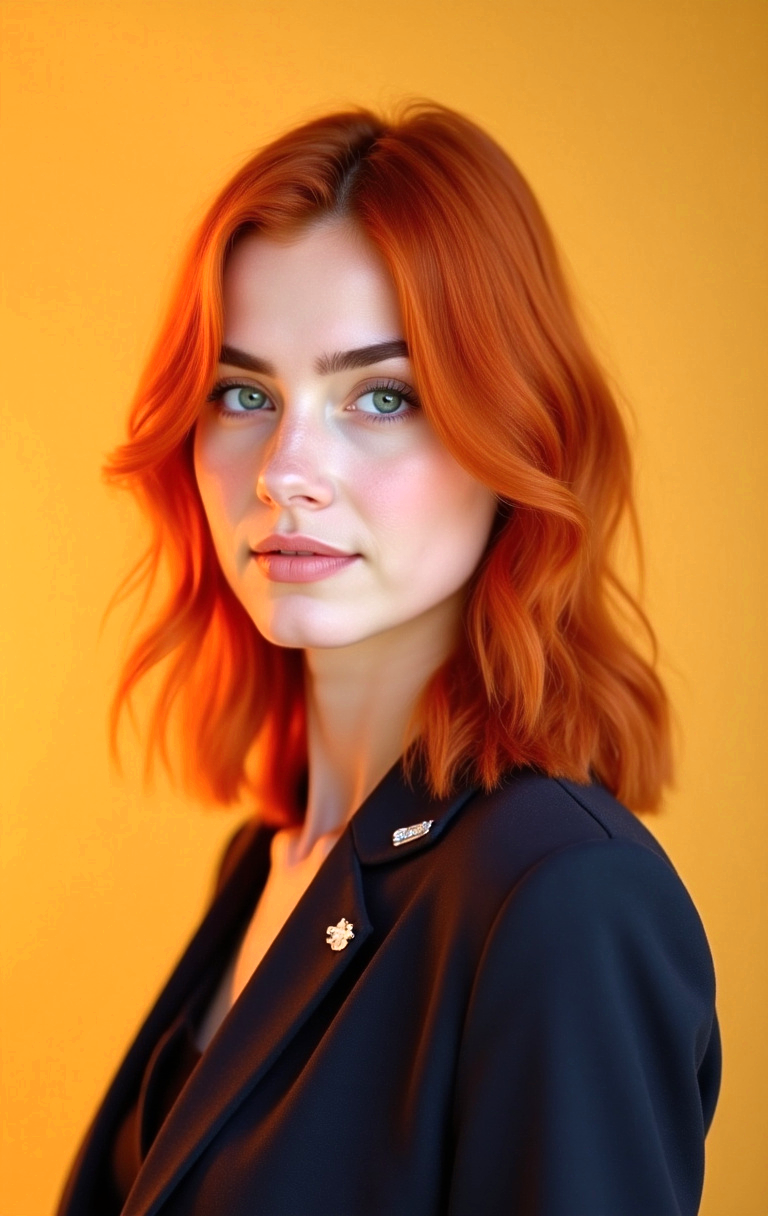
A 2024 study by Ringover, reported by PetaPixel, tested 1,087 recruiters. They correctly identified AI headshots only 64% of the time, and in a blind comparison 76.5% preferred the AI photos over real ones. A portrait that faithfully represents your face is hard to flag, and it is still your face, not an idealized version of it.
The line to hold is fidelity. Keep your real features, age, and general appearance. If a friend would not recognize you from the photo, do not use it.
If you have decided a photo belongs on your resume, and you would rather not book a photographer for a single image, photographe.ai is built for this. You upload three to six selfies, set gender and approximate age, pick styles and clothing, and review before generating. Neutral studio and office styles suit a resume.
1,000 credits cost $14 and cover roughly 500 headshots, so you can generate a wide range and choose the best one with someone you trust. Credits never expire, and the trained model stays yours for later use, such as your LinkedIn photo or a team page.
It is not the right choice if you apply in a market where photos are discouraged, or if you need a photo taken at an event or with other people. In those cases, skip the photo or book a photographer.
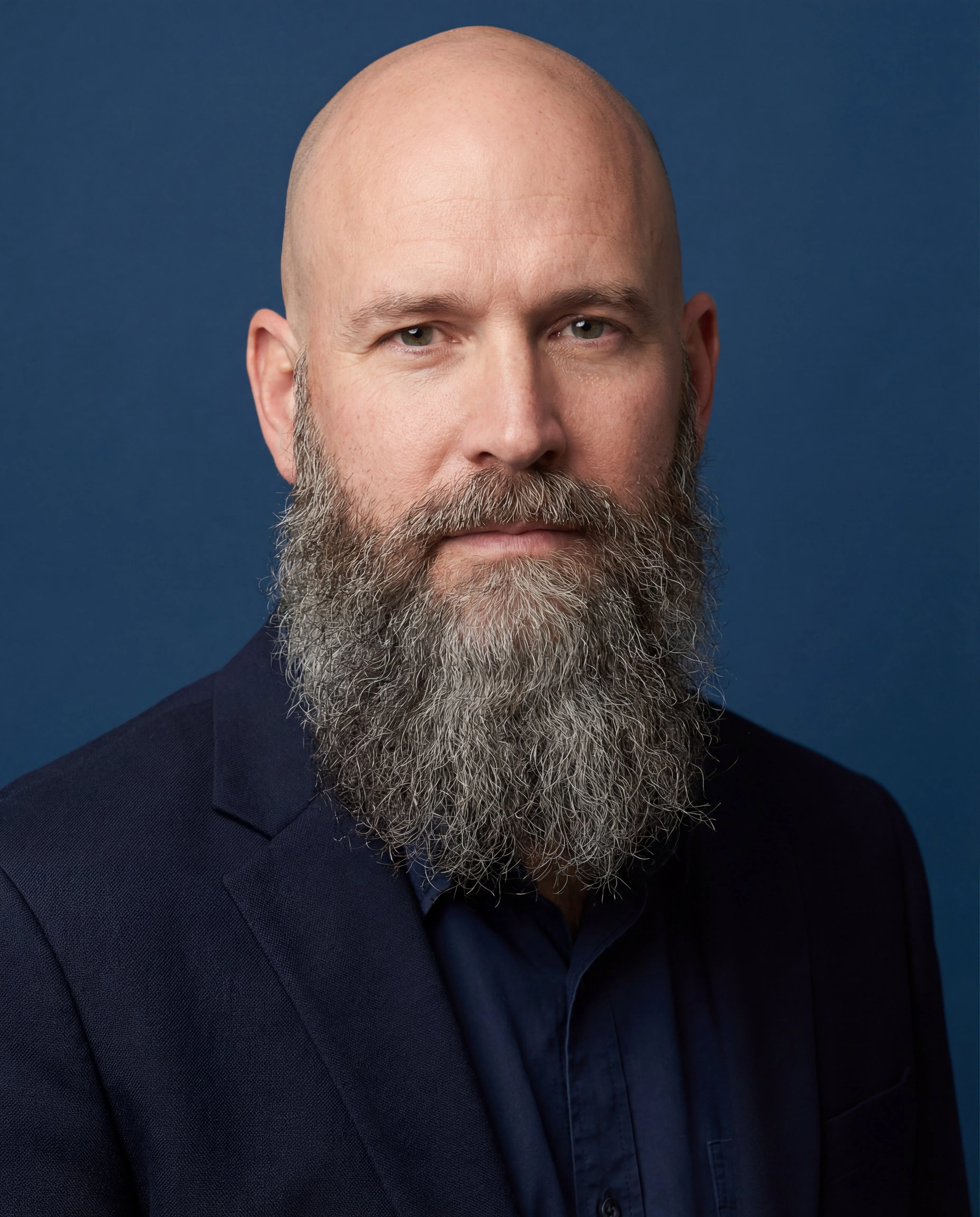
For a broader comparison of options and budgets, read how to take professional headshots at home and are AI headshots worth it.
For just $19, create 100+ professional images you can use across LinkedIn, Instagram, TikTok, personal websites, resumes, and more all in minutes, without ever stepping into a studio.
All payments are securely processed by our partner Stripe.