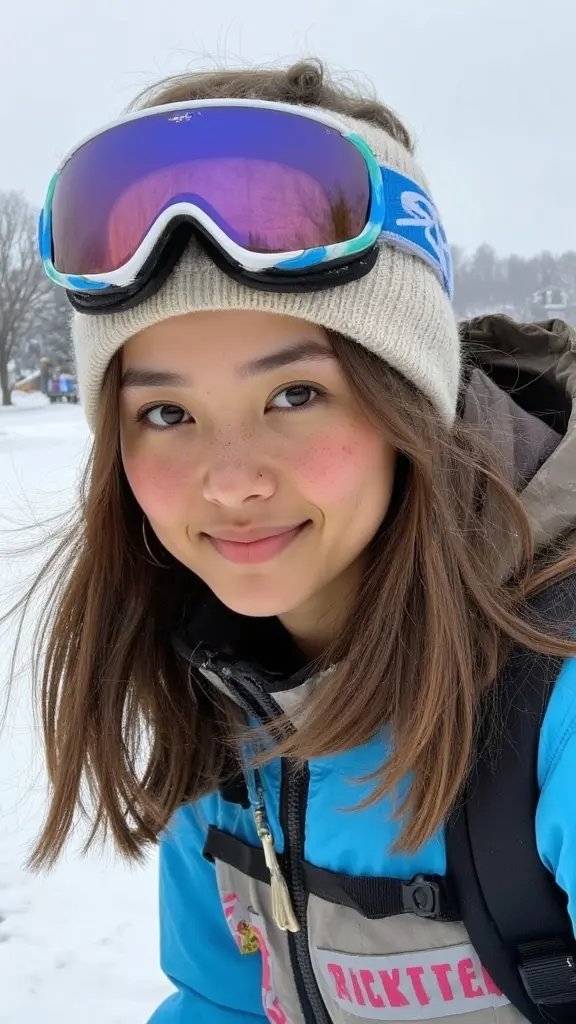
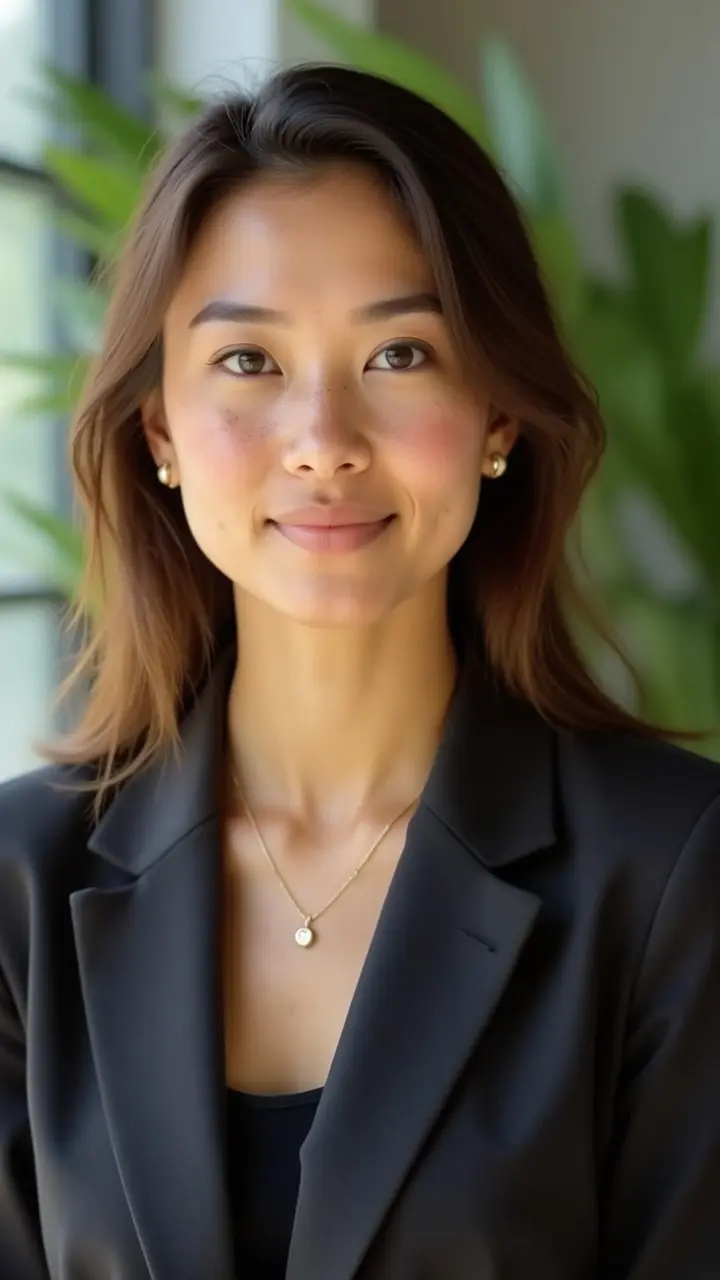
How to Get Professional Headshots Cheap: 5 Real Options
How to get professional headshots cheap without a bad result: free career-center sessions, portfolio photographers, DIY, mini sessions and AI, step by step.
professional-photosbudgettutorial
How to get professional headshots cheap without a bad result: free career-center sessions, portfolio photographers, DIY, mini sessions and AI, step by step.
Get your photography in minutes without leaving home and without hiring a professional photographer. Get 100+ professional quality photos in less than 10 minutes with Photographe.ai.
Studio-grade quality, without a studio
250,000+ headshots delivered
Designed for LinkedIn, resumes and professional profiles
500+ high quality headshots
A photorealistic model of yourself
100+ ready to use settings
Headshots generated in 5 minutes
Fitting room, custom haircuts, and more
A standard studio headshot session typically costs between $150 and $300, and much more in expensive cities, according to Capturely's 2026 pricing guide. That is a lot to spend on one photo for a LinkedIn profile or a resume, especially when you are between jobs.
This guide shows how to get professional headshots cheap without ending up with a photo that looks cheap. You will know which low-cost options exist, what each one costs you in time and quality, and how to pick the right one for your use.
Before comparing options, decide what "professional" means for you. A usable headshot has four things: a sharp face, soft light that does not distort your features, a simple background, and a crop that works at thumbnail size. Everything else, such as a famous photographer's name, a styled set or heavy retouching, is optional.
Once you know that baseline, the question changes from "what is the cheapest headshot?" to "what is the cheapest way to reach that baseline?" The steps below go from free to paid.
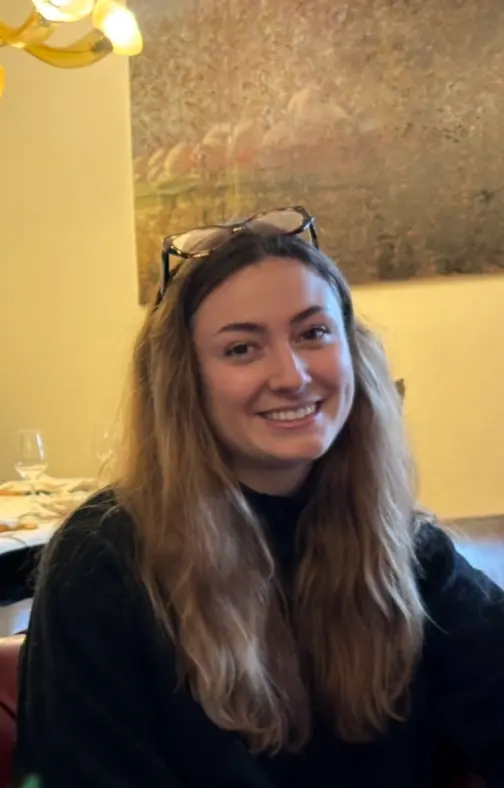
Ask your university career center, your employer, and your professional associations whether they offer headshots. Many career centers run free sessions for students and alumni, and conferences or job fairs often set up a headshot booth for attendees.
These sessions are short and you rarely choose the background, but the photographer and the lighting are already set up. If you have one coming up, plan your outfit and arrive early: the queue usually grows during the day and the photographer gets rushed.
Photography students and newer freelancers often charge less than established studios because they need portraits for their own portfolio. Look at local photography school boards, community groups, or freelance marketplaces, and always ask to see previous headshots, not landscapes or weddings.
Agree in writing on the number of final photos, the retouching included, and the delivery date. A low price with no agreed deliverables is how cheap sessions go wrong.
Many photographers offer short, fixed-format sessions, sometimes on set days where they shoot several clients back to back. You get less time and fewer final images, but the price is lower because the setup is shared.
Mini sessions work well when you need one or two photos for a single purpose. They work less well if you want several looks, because changing outfits and backgrounds is exactly what a short session cuts out.
A recent smartphone, a large window with indirect daylight, and a plain wall about one meter behind you are enough for a correct headshot. Use the rear camera with a timer or ask someone to take the photo: a selfie at arm's length distorts the face.
This option costs nothing, but it costs time, and the result depends on the light you have that day. Our guide on how to take professional headshots at home covers framing, posture and lighting in detail.
An AI generator turns a few ordinary selfies into studio-style portraits. You do not need a photographer, a backdrop, or good light on the day: the model learns your face from the photos you upload, then generates portraits in the styles you choose.
Quality depends heavily on your input photos. Varied angles, soft light, and no filters give the best results; our guide on how to get the best AI portraits explains what to send.
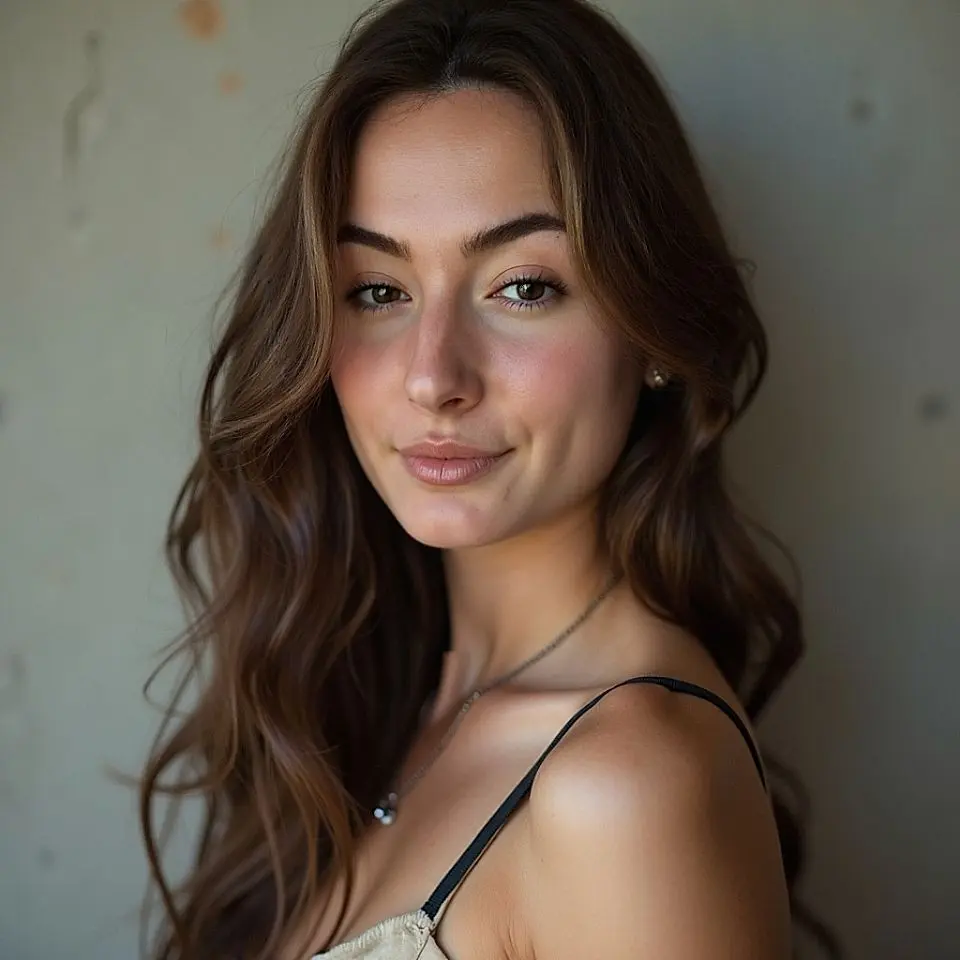
Usually, yes. LinkedIn displays your photo as a small circle, so sharpness, light and a clean background matter far more than production value. Check your photo at thumbnail size before you upload it; see our guide to a professional LinkedIn photo for the specs.
Not automatically. Photographers usually keep copyright and grant you a license to use the images. Ask what the license covers, especially if you plan to use the photo on a company website or in print.
Only if it still looks like you. An outdated photo creates a mismatch the first time someone meets you on a video call. Cropping and light corrections are fine; heavy retouching that changes your face defeats the purpose.
In a study of 1,087 recruiters reported by PetaPixel, about three quarters preferred AI headshots over real photos in a blind test. The condition is that the result must look like you: an AI portrait that flatters you into a different person creates the same problem as an outdated photo.
A free session or a DIY photo costs nothing in money. If you count your time and the chance of a weak result, the cheapest option is the one that gives you a usable photo on the first try, which depends on your situation more than on the price tag.
photographe.ai is built for Step 5. You upload three to six selfies, set gender and approximate age, choose styles from more than 100 presets or describe your own, pick clothing, then generate. 1,000 credits cost $14 and cover about 500 headshot photos, with 4K output included.
Credits never expire and the trained model stays yours, so when you change jobs next year you generate new photos instead of booking a new session. If you need a portrait with real-world authenticity, such as press photos for a high-profile role, a photographer is still the better choice; our comparison of AI vs traditional photography covers where each one wins.
For just $19, create 100+ professional images you can use across LinkedIn, Instagram, TikTok, personal websites, resumes, and more all in minutes, without ever stepping into a studio.
All payments are securely processed by our partner Stripe.